
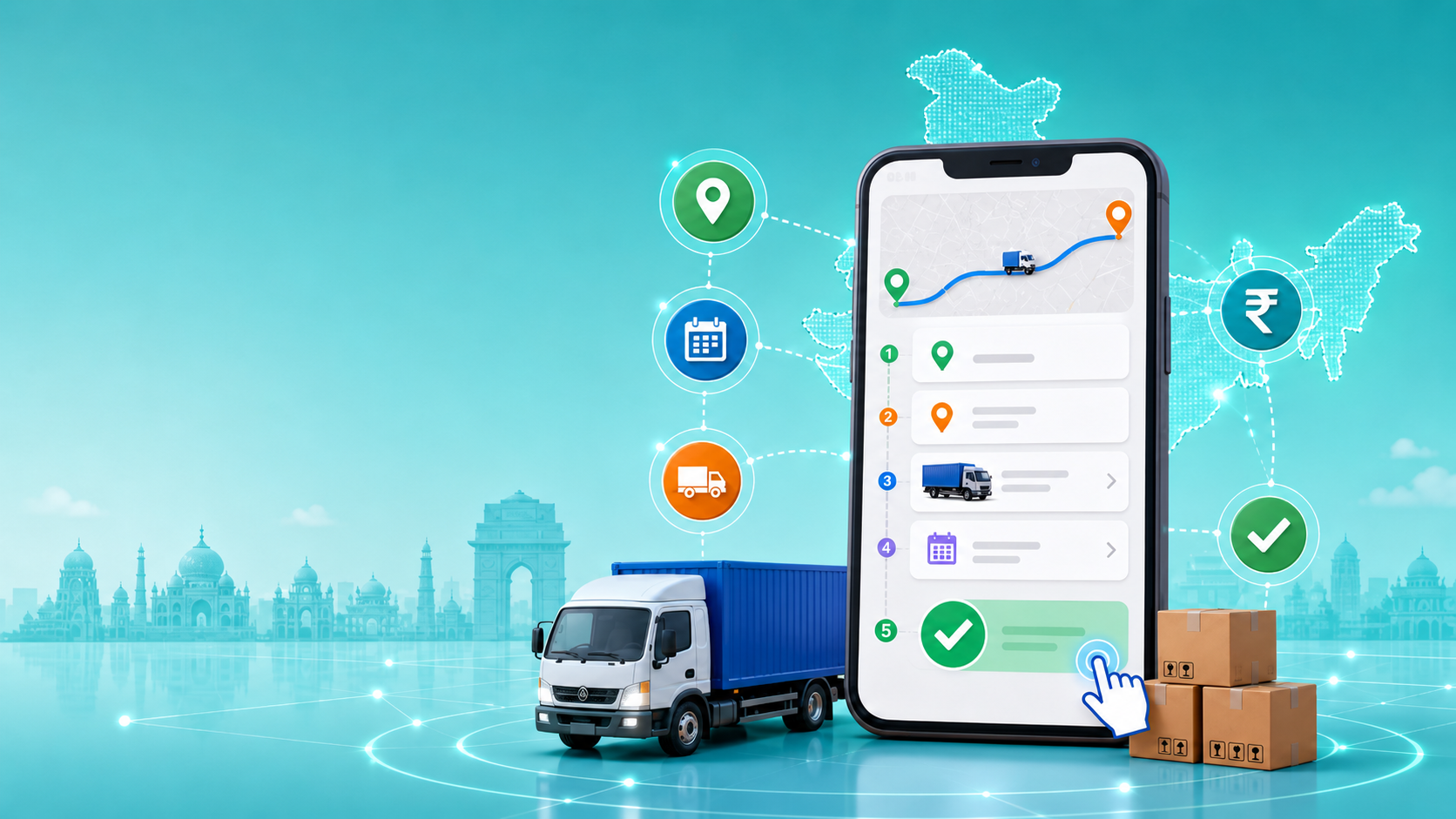
Booking a truck in India used to mean calling five different brokers, waiting two hours for callbacks, and still getting a surprise price at the loading point. Online truck booking has changed that — but only if you know how to use it properly.
This guide walks you through the complete process: what to prepare before booking, the exact steps on Loadup, what happens after you confirm, and how to avoid the common mistakes that cause delays and extra charges.
Key Takeaways
Online booking takes under 5 minutes once you have your details ready. You need: pickup pincode, drop location, cargo weight, material type, and preferred date.
A Loadup logistics executive will call to confirm within 30 minutes. Payment is split: advance at loading + balance on delivery. No surprises.
What Information You Need Before You Start Booking
Keeping the right shipment details ready before booking helps you get faster truck confirmation, accurate pricing, and smoother dispatch.
| Information Needed | Why It Matters | Where to Find It |
|---|---|---|
| Pickup pincode and address | For precise route planning and driver dispatch | Your warehouse or factory address |
| Drop pincode and address | To calculate distance and available trucks | Receiver’s address |
| Cargo weight | Determines which truck size is appropriate | Weigh goods or estimate by item count |
| Type of material | Affects handling requirements and insurance | Product category such as FMCG, textiles, machinery, etc. |
| Preferred pickup date | So a truck can be confirmed and dispatched | Your dispatch schedule |
| FTL or PTL | Affects pricing and truck assignment | Choose based on shipment size and urgency |
Step-by-Step: How to Book a Truck on Loadup
Step 1 — Enter your pickup and drop location
Open the Loadup website or app and enter your pickup address with postal code. Then enter your delivery location the same way.
Tip: Enter the exact industrial area, warehouse, factory, or GIDC address — not just the city name.
Step 2 — Describe your shipment
Enter your cargo weight and select your preferred pickup date. Specify the type of material, such as FMCG, textiles, machinery, electronics, or enter your own category.
Step 3 — Choose your truck type
Based on your weight and route, Loadup shows available truck options with payload capacity, body type, and estimated price.
If you are unsure which truck to choose, refer to the types of trucks guide or contact Loadup support for help.
Step 4 — Verify your mobile number and confirm booking
Enter your name, mobile number, and business type. Verify your number with an OTP.
You will then see a booking summary with route, truck type, cargo details, and estimated price range.
Step 5 — Receive confirmation and connect with a logistics executive
Within 30 minutes of confirming, a Loadup logistics executive calls to finalise the truck, driver assignment, and final price.
What Happens After You Book — The Full Timeline
Within 30 minutes of booking
A Loadup logistics executive calls to confirm your shipment details, including truck type, price, and pickup window.
Day of pickup
The driver arrives at your pickup location. You load your goods. Advance payment, usually 60–70% of the total freight, is made at this point.
In transit
Your logistics executive provides shipment updates. GPS tracking is available through the Loadup app for FTL bookings.
On delivery
The driver delivers your goods. Balance payment, usually 30–40%, is settled. A digital POD is uploaded and sent to your mobile and email within 2 hours of delivery.
Important
Payment is always split: advance at loading + balance on delivery. The exact split is confirmed by your logistics executive before the truck departs.
There are no last-minute price changes once the booking is confirmed.
How Pricing Is Calculated in Online Truck Booking
Base freight: The core transportation charge based on distance and truck type. It usually makes up 75–85% of the total invoice.
Additional charges to know about:
- Loading and unloading: ₹500–₹2,000 per stop
- Detention charges: ₹200–₹500 per hour if the truck waits longer than agreed
- GST: 5% on transportation services under reverse charge for registered businesses
- Insurance: Optional at 0.3–0.5% of cargo value
Online Truck Booking vs Traditional Broker
| Factor | Online Platform | Traditional Broker |
|---|---|---|
| Pricing | Transparent, shown upfront | Opaque — often inflated at loading |
| Driver verification | 100% verified | Unknown — broker may subcontract |
| Booking time | Under 5 minutes | 1–3 hours of phone calls |
| Documentation | Digital LR, invoice, and POD | Paper-based and inconsistent |
| Support | 24/7 dedicated executive | Usually available only during business hours |
| Hidden charges | None — itemised quote | Common — 20–30% broker margin |
Common Mistakes to Avoid While Booking a Truck Online
- Entering only the city name instead of the exact pickup and drop address.
- Guessing cargo weight without checking properly.
- Choosing the wrong truck size to save cost.
- Not confirming loading and unloading responsibility in advance.
- Keeping the truck waiting beyond the agreed pickup window.
- Not checking whether the shipment needs insurance.
Final Thoughts
Online truck booking makes freight movement faster, clearer, and more reliable. With Loadup, you can enter your shipment details, choose the right truck, confirm your booking, and get support from a logistics executive throughout the shipment journey.
The key is simple: keep your pickup address, drop address, cargo weight, material type, and pickup date ready before you start. Once these details are clear, booking a truck online becomes quick and hassle-free.
Ready to Book a Truck?
Book your truck online with Loadup and get transparent pricing, verified drivers, digital documentation, and dedicated logistics support from booking to delivery.
Frequently Asked Questions
Yes — on a verified platform. Loadup’s 100% driver verification, digital documentation, and dedicated logistics executive eliminate the major risks of broker-based booking.
Loadup is available on Google Play Store and Apple App Store. Other platforms include TruckGuru, FR8, WheelsEye, and Vahak. Loadup’s advantage is its Ahmedabad base and strong Gujarat and national corridor coverage.
A logistics executive calls within 30 minutes and a truck can typically be dispatched within 2–4 hours for standard routes.
Yes. FTL bookings include GPS tracking via the app. For all bookings, your dedicated logistics executive provides regular status updates.